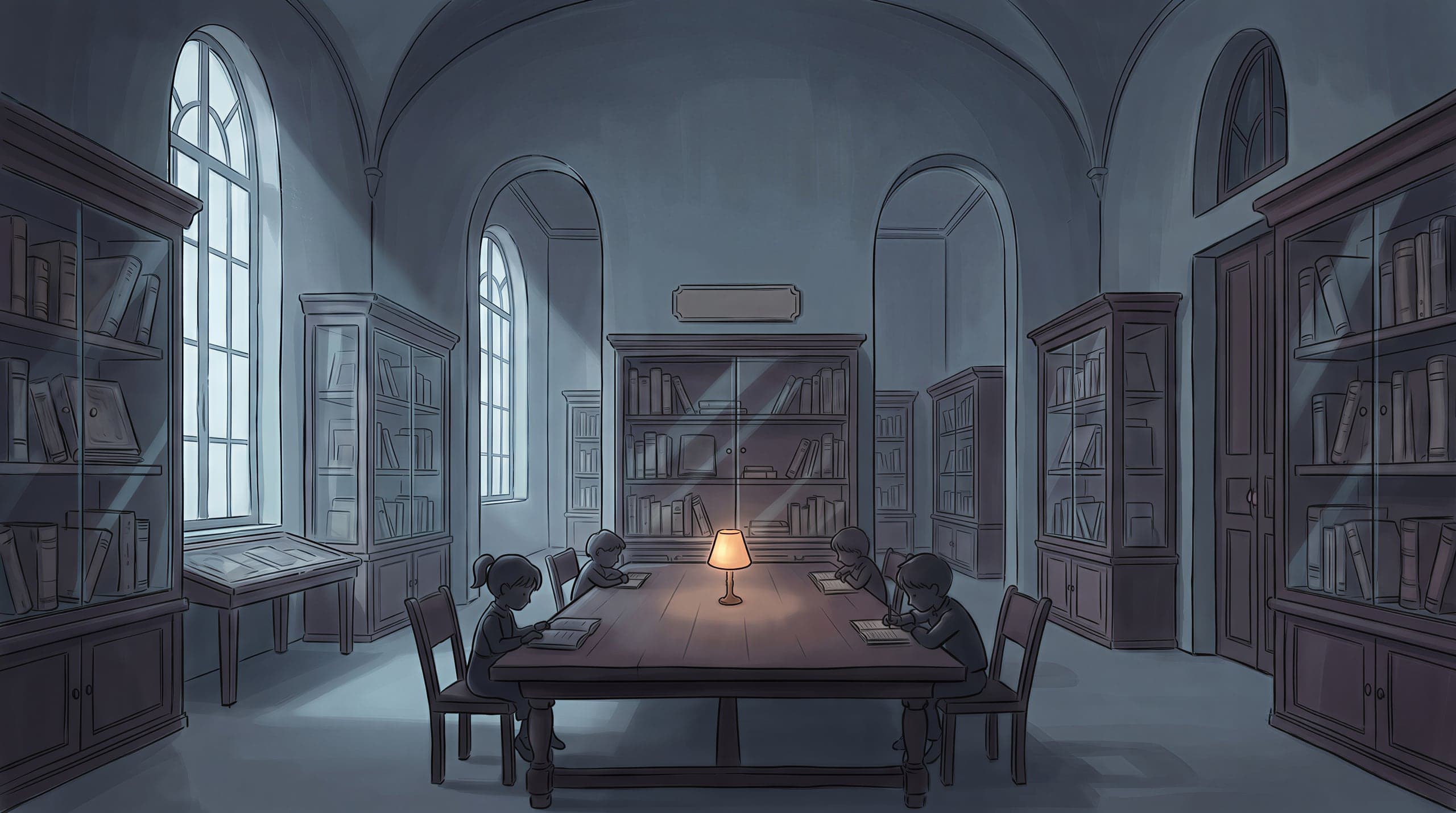
How to play
A gentle tour through your first escape room with friends.

Escape rooms with friends, anywhere. One story, one ticking clock, one team.
Create a room, or join with a code
Hosts use Google or an email magic link, then pick tonight's scenario. Everyone else gets a 6-letter code — that's their ticket in. No app to install, no account needed to join as a player.
Use Google or email, browse the library, choose tonight's room.
A 6-letter code appears. Drop it in your group chat — that's it.
No account. Just open the link, enter a nickname, and you're in.
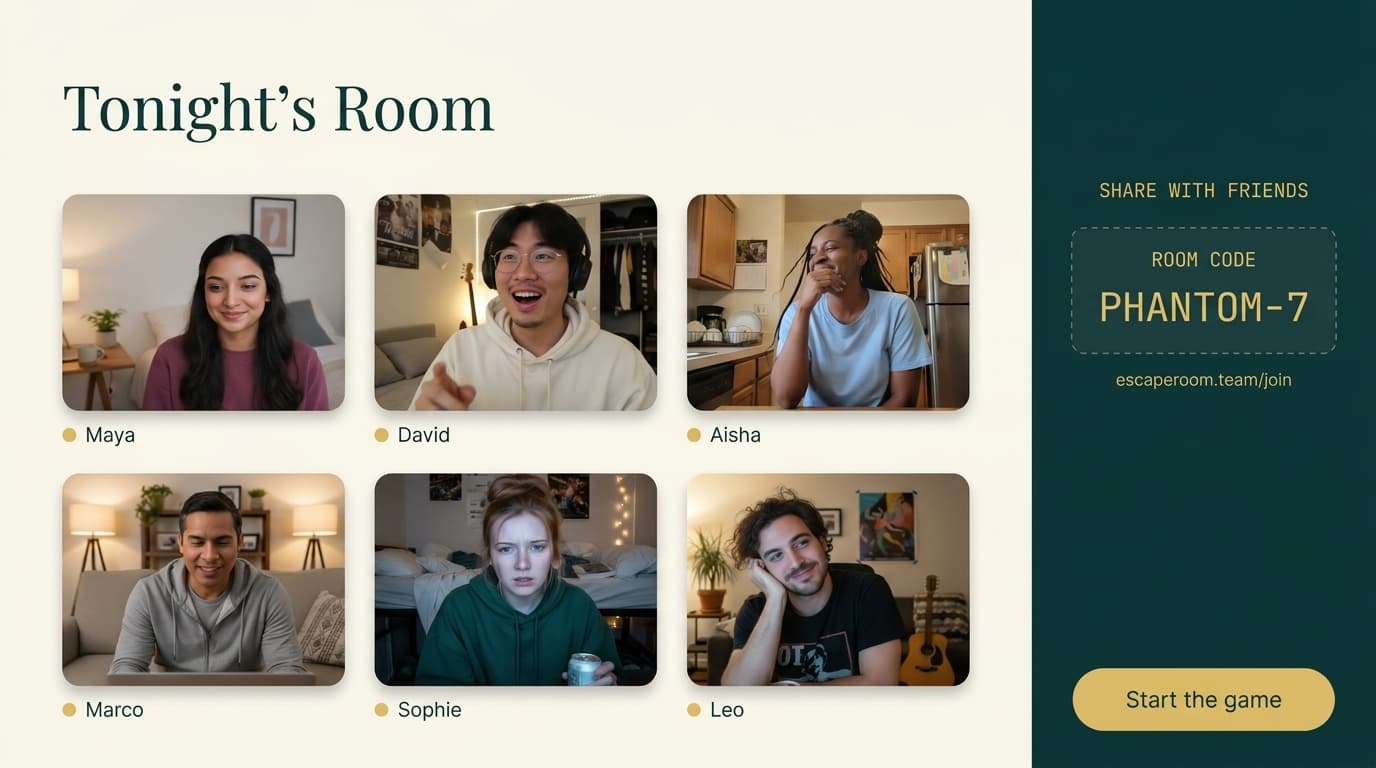
Meet up in the lobby
Up to 12 friends on video. Share the room code, say hi, and when the group is ready the host hits the big brass button to kick things off.
Explore the scene
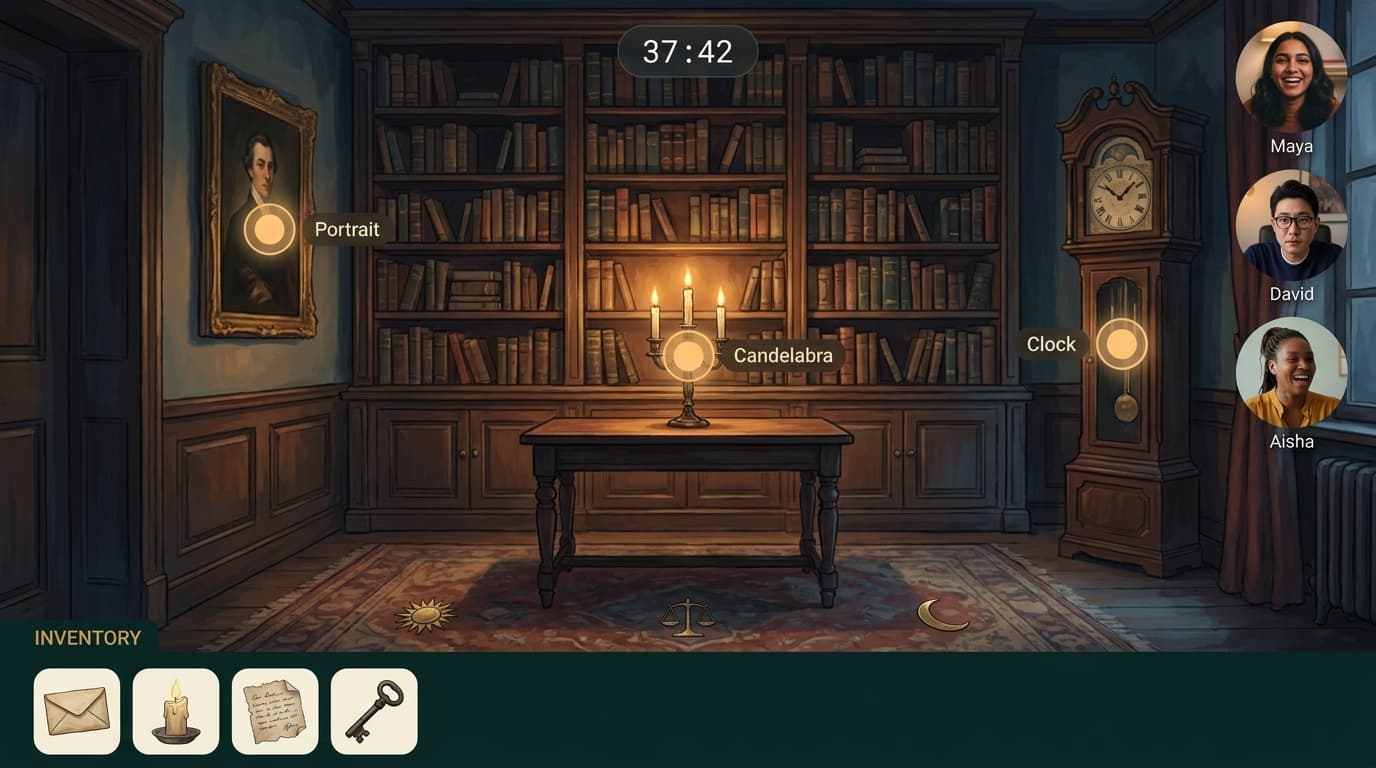
Every scenario is a hand-illustrated world. Tap the glowing hotspots to look closer — portraits, books, flickering candles. Each zoom might hide a clue.
Collect items as you find them
Picked-up things land in your inventory bar at the bottom of the screen. Combine them with puzzles, try them on locked objects, or just admire your haul.






Solve puzzles together
Talk it out on video. Pool clues. Try combinations. Some puzzles hide pieces across multiple rooms, so teamwork — not speed — wins the night.

Stuck? Ask for a hint as a team
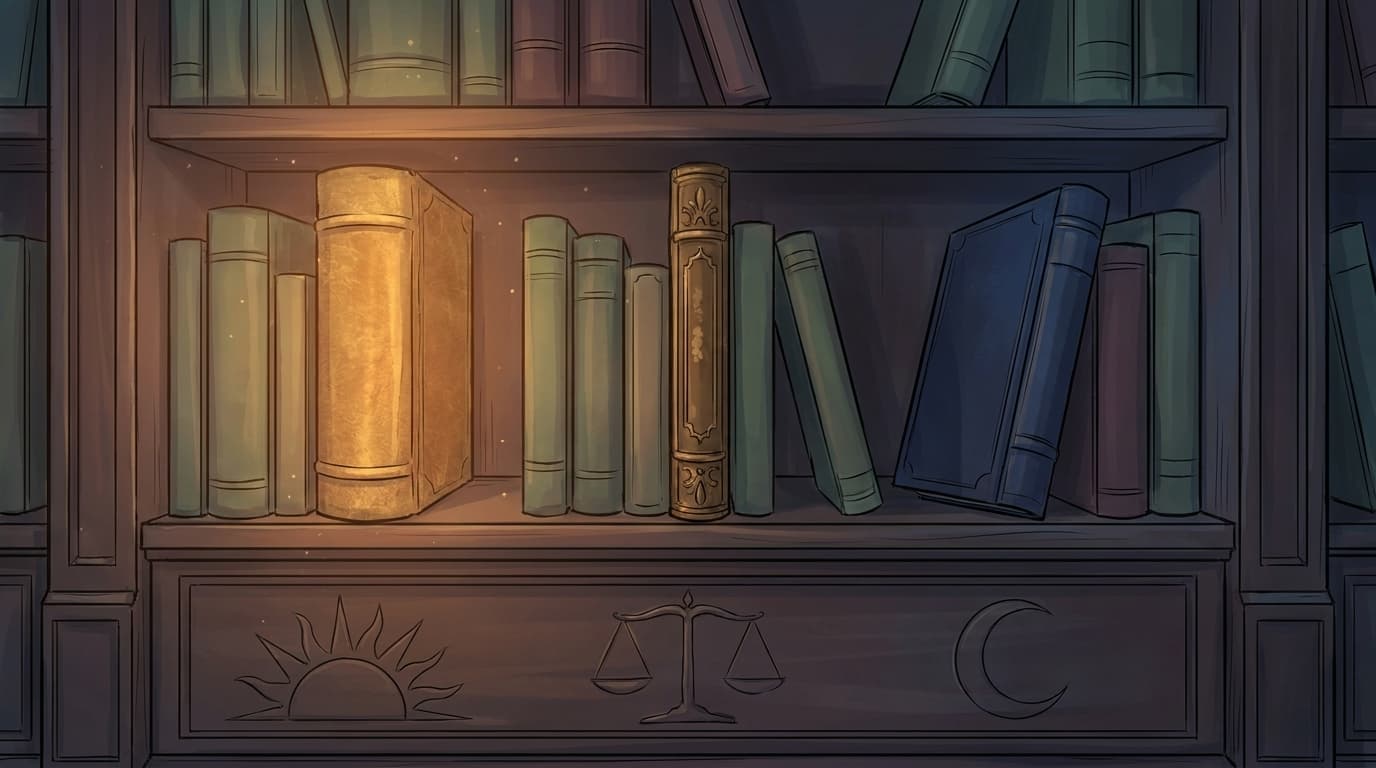
Each puzzle has three tiered hints, from gentle nudge to near-answer. But nobody can burn a hint alone: when someone asks, the whole team gets a 30-second vote, and the hint only opens if at least half the room says yes.

Vote to reveal this hint
Mia asked for help. The team has 30 seconds to decide whether to spend Hint 01 now.
The carpet's three symbols map onto titles on the shelf.
Escape... or don't
Crack the final puzzle before the timer runs dry and you unlock an ending. Different choices lead to different finales — many scenarios have three. Come back and find them all.